How to Use AI to Improve (Not Replace) Your Photography Workflow
There’s a lot of noise around AI in the creative industry right now. Some people are excited, some are skeptical. Most photographers are simply trying to figure out where it actually fits into their day-to-day work.
The truth is, AI is not here to replace photographers. It is here to support them.
When you are shooting back-to-back headshots, multi-day conferences, or large-scale events, your workflow matters just as much as your camera settings. The real advantage comes when you use AI strategically to protect your time, maintain consistency, and prevent burnout.
Let’s break down how that can look in a practical way.
Speeding Up Headshot Retouching Without Losing Control
If you have ever photographed 20 or more headshots in one day, you know the real work begins after the session ends.
There is consistent skin retouching, color correction, and subtle refinements that need to look polished but still natural. That level of detail adds up quickly.
Tools like Evoto AI can dramatically streamline this process. Instead of manually retouching every image from scratch, you can apply natural-looking adjustments efficiently while still maintaining control over the final result. The software helps create consistency across a full gallery and reduces the hours spent on repetitive tasks in Photoshop.
The important thing to remember is that AI handles the repetitive work. You are still directing the final look and feel. It is not about over-editing or removing personality. It is about delivering professional, polished results in a way that makes sense for a growing business.
Managing Large Conferences and Events More Efficiently
When you are covering a large conference, you are not delivering 20 images. You are often delivering hundreds or even thousands. Each image still needs to reflect your style and brand, even when the lighting conditions vary throughout the day.
AI-powered editing platforms like ImagenAI are designed to learn your editing style and apply it consistently across large galleries. This allows you to significantly reduce turnaround time while maintaining a cohesive look from start to finish.
Instead of spending several full days batch editing, you can review, refine, and focus your energy on the most important images. That shift creates space in your schedule without compromising quality. Clients still receive work that feels intentional and aligned with your brand.
Protecting Your Energy as a Creative Business Owner
As a photographer, you are not just an artist. You are also running a business. That means client communication, marketing, scheduling, invoicing, and everything in between. When editing consumes the majority of your week, it becomes difficult to grow sustainably.
Using AI in your workflow can create a healthier balance. By reducing the time spent on repetitive corrections and large batch edits, you free up mental space for higher-level creative decisions. You also gain time to nurture client relationships and refine your services.
Protecting your energy is not about working less. It is about working smarter. When your workflow supports you instead of overwhelming you, your creativity has more room to thrive.
Finding the Right Balance Between Automation and Artistry
The strongest workflows today are not fully manual, and they are not fully automated. They are a thoughtful blend of both.
Automation can support tasks like culling, initial color correction, and consistent exposure adjustments. These are important steps, but they are not the heart of your artistry. Your expertise comes into play when you refine key images, adjust storytelling moments, and ensure emotional authenticity is present in every gallery you deliver.
AI can support your process, but it cannot replace your perspective. Your experience, intuition, and creative eye are what set your work apart. When technology is used as a supportive tool rather than a shortcut, it enhances the overall quality of your business.
Final thoughts
AI is simply another tool in the modern photographer’s toolkit, much like your camera, lighting equipment, or editing presets. When used intentionally, it allows you to deliver galleries faster, maintain consistent quality, and scale your services without sacrificing your standards.
The goal is not to remove the human element from photography. The goal is to reduce unnecessary friction in your workflow so you can focus on what truly matters. That means spending more time shooting, connecting with clients, and creating meaningful images.
A smart workflow protects your creativity. And in a fast paced industry, that protection makes all the difference.

Headshot by TruBlu Images in Denver, CO

Headshot by TruBlu Images in Denver, CO
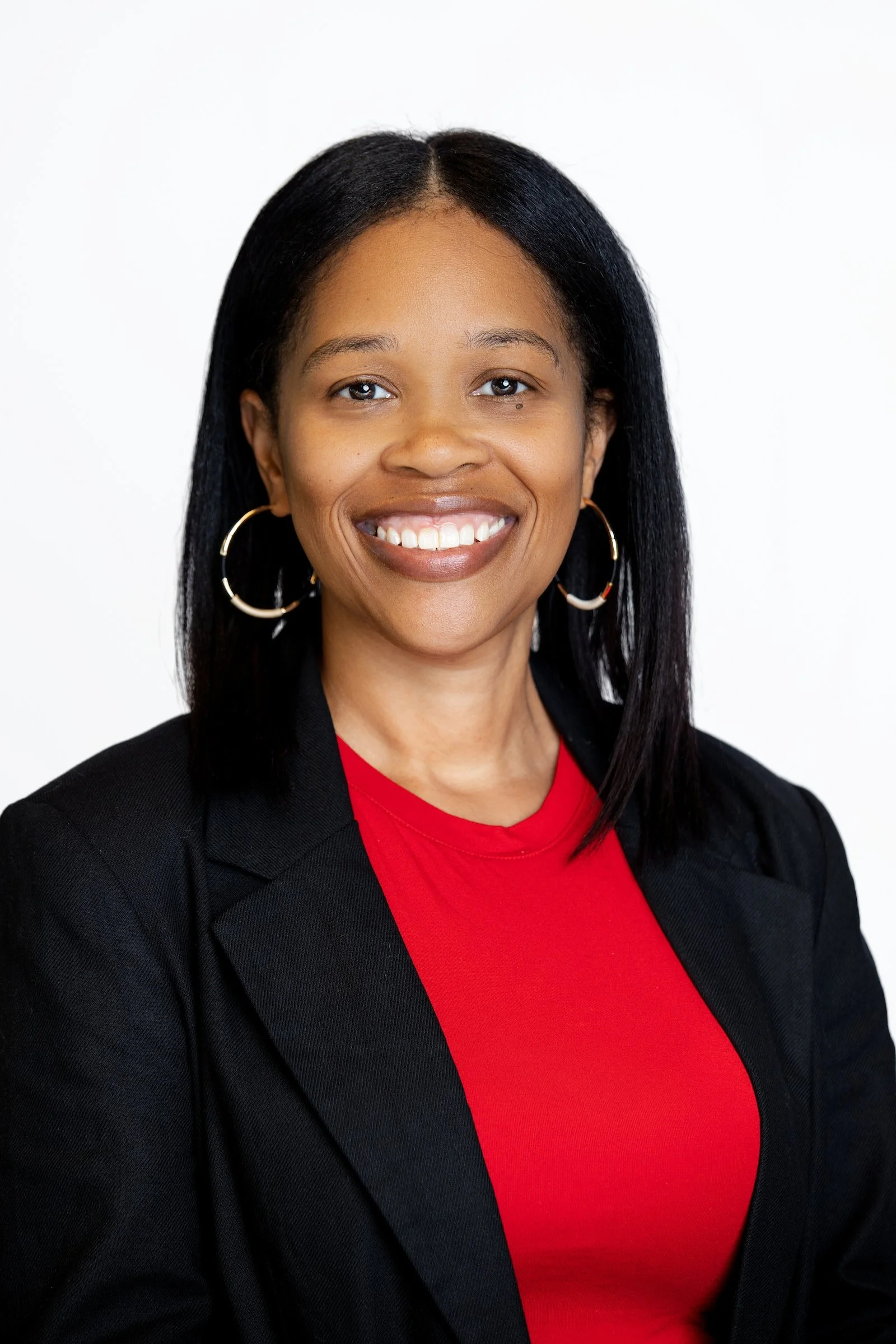
Headshot by TruBlu Images in Denver, CO
How does your photography tell your brand’s story? If you need standing out from your competitors, we can do just that.